Now available for Salesforce
Private preview • Not yet publicly launched

Build surveys, forms, and applications — deployed as polished Salesforce Screen Flows.

Start from an AI prompt or a Google Sheets spec — then deploy to your org in minutes.

Prompt
OR
Spreadsheet
Flow
Deploy
Run
Runs behind login or as a public link • Report-ready data (dashboard fields + detailed answers)
60s
PROMPT/SHEET → FLOW → SURVEY RUNNING IN SALESFORCE
Polished runtime UI (default)
Native Screen Flow metadata
Objects + permissions + layouts included
Open in Flow Builder

From Prompt to Production

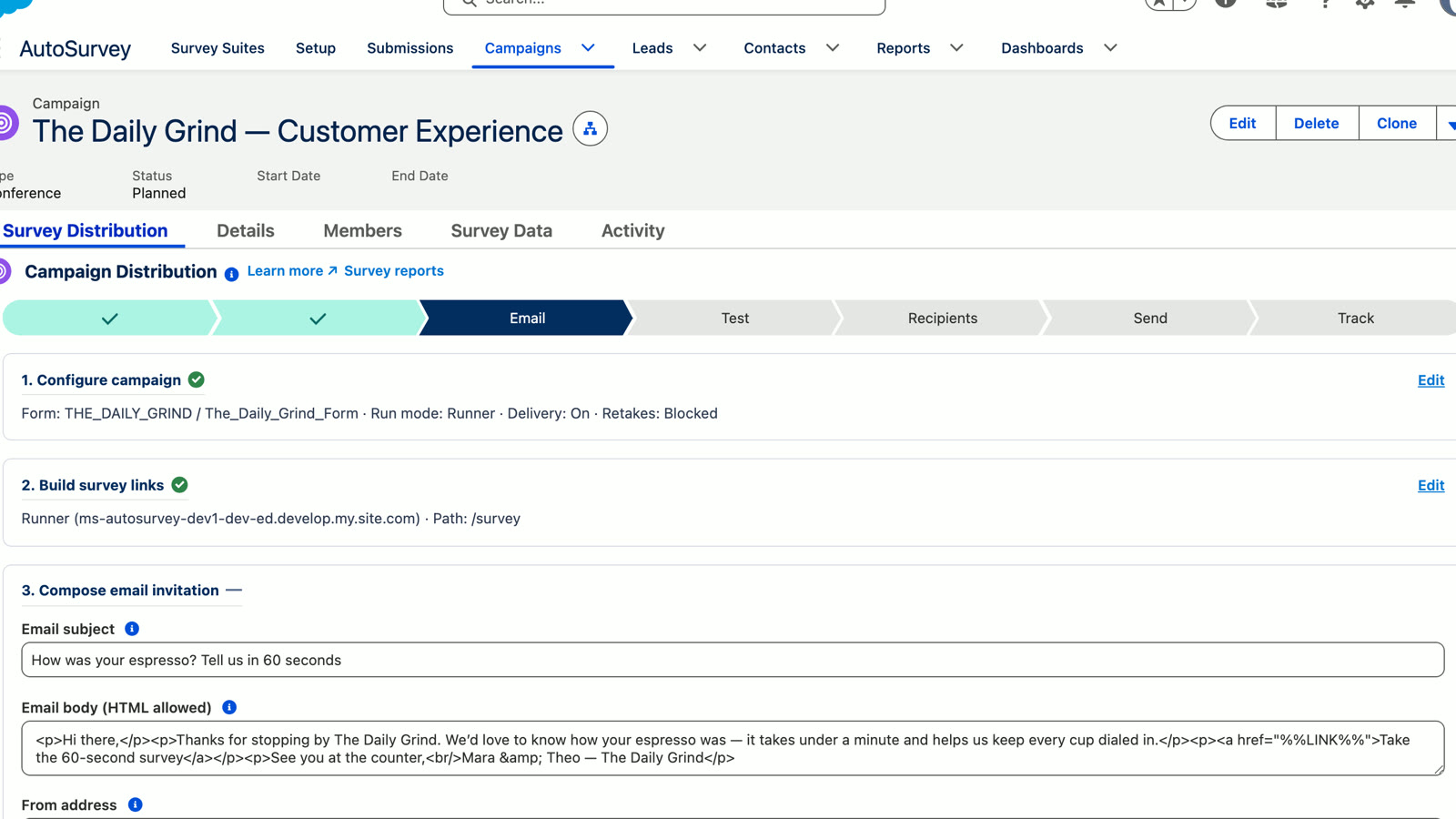
Turn a simple text description into a fully validated, multi-page Salesforce Flow survey without touching the Flow builder canvas manually.

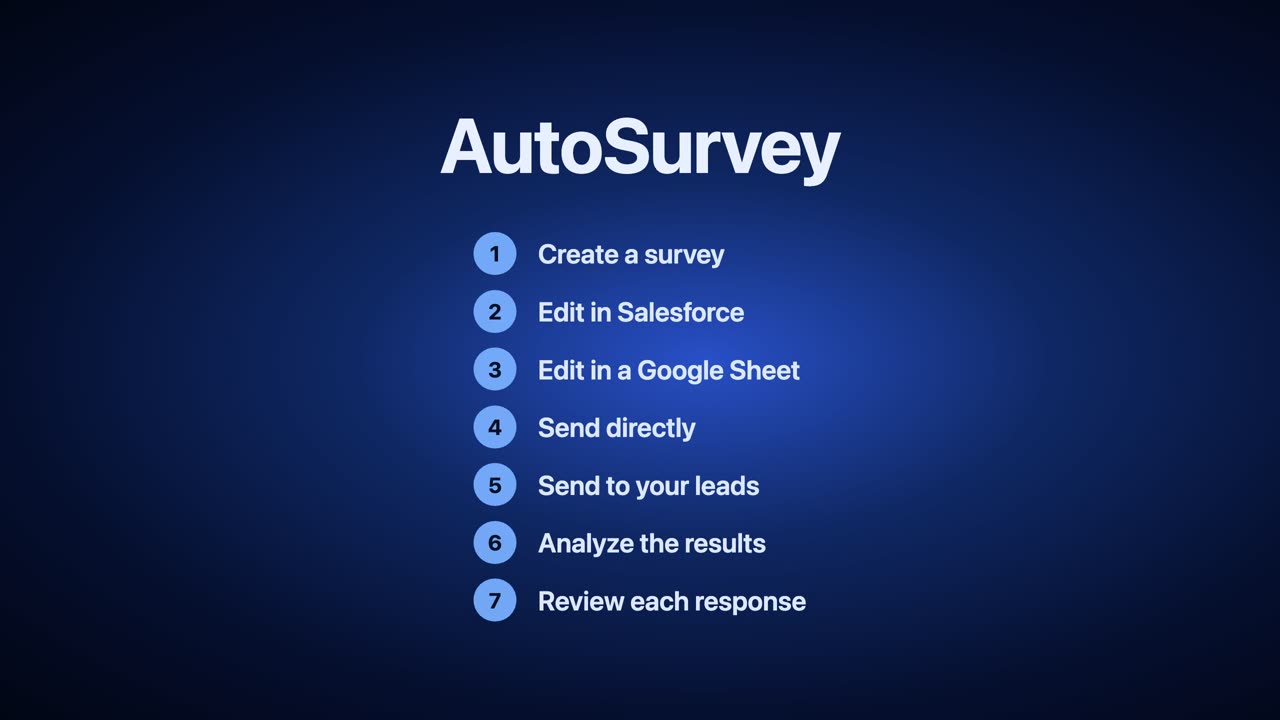
1

Describe your survey

Tell the AI what you need. "Onboarding survey for new enterprise clients with 3 sections."

2

Refine & Deploy

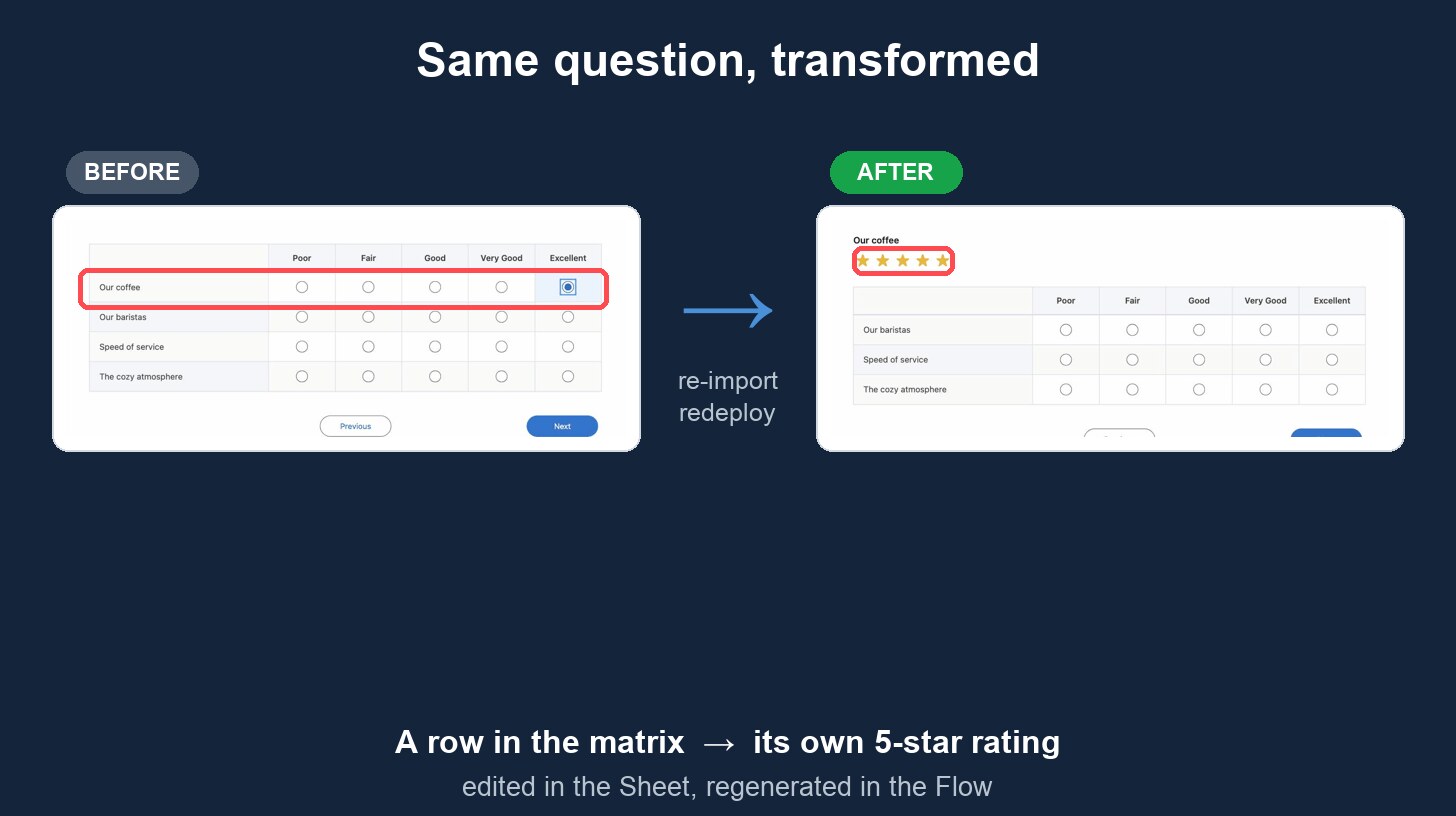
Review generated questions. Edit in a spreadsheet spec if you want — or never touch it. One click deploys.

3

Run in Salesforce

It's a native Screen Flow. Run it in Experience Cloud, internal apps, or public sites. Data lands instantly.

V2 — How it Works (3 min)
VIDEO PLACEHOLDER
Rich Survey Experience UI

Polished Runtime UI

Generated Flow in Builder

Native Flow Metadata

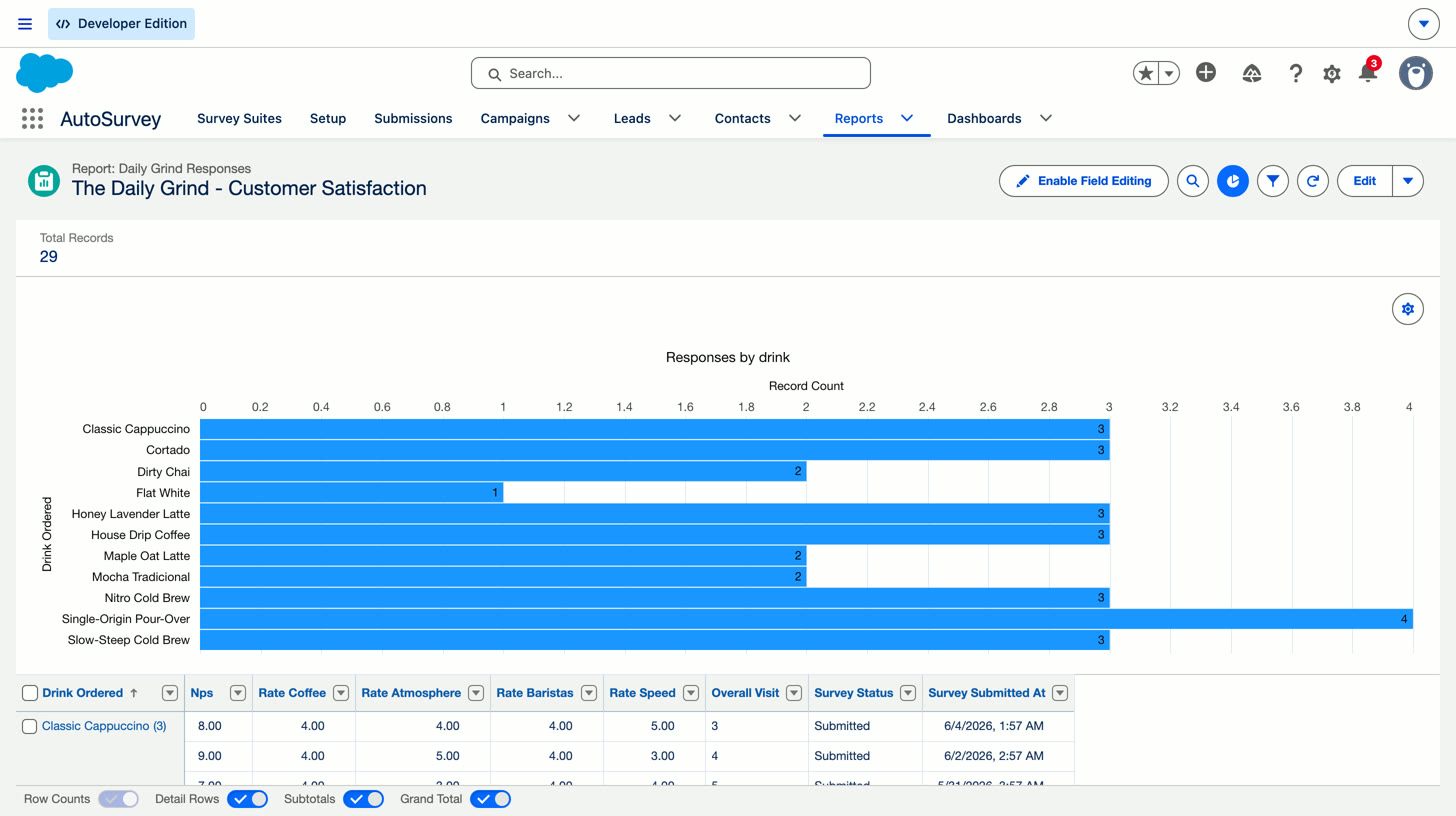
Salesforce Record & Report

Structured CRM Data

One Engine. Two Experience Modes.

Two runtime styles. Same engine. Switch anytime.

Rich Survey Experience

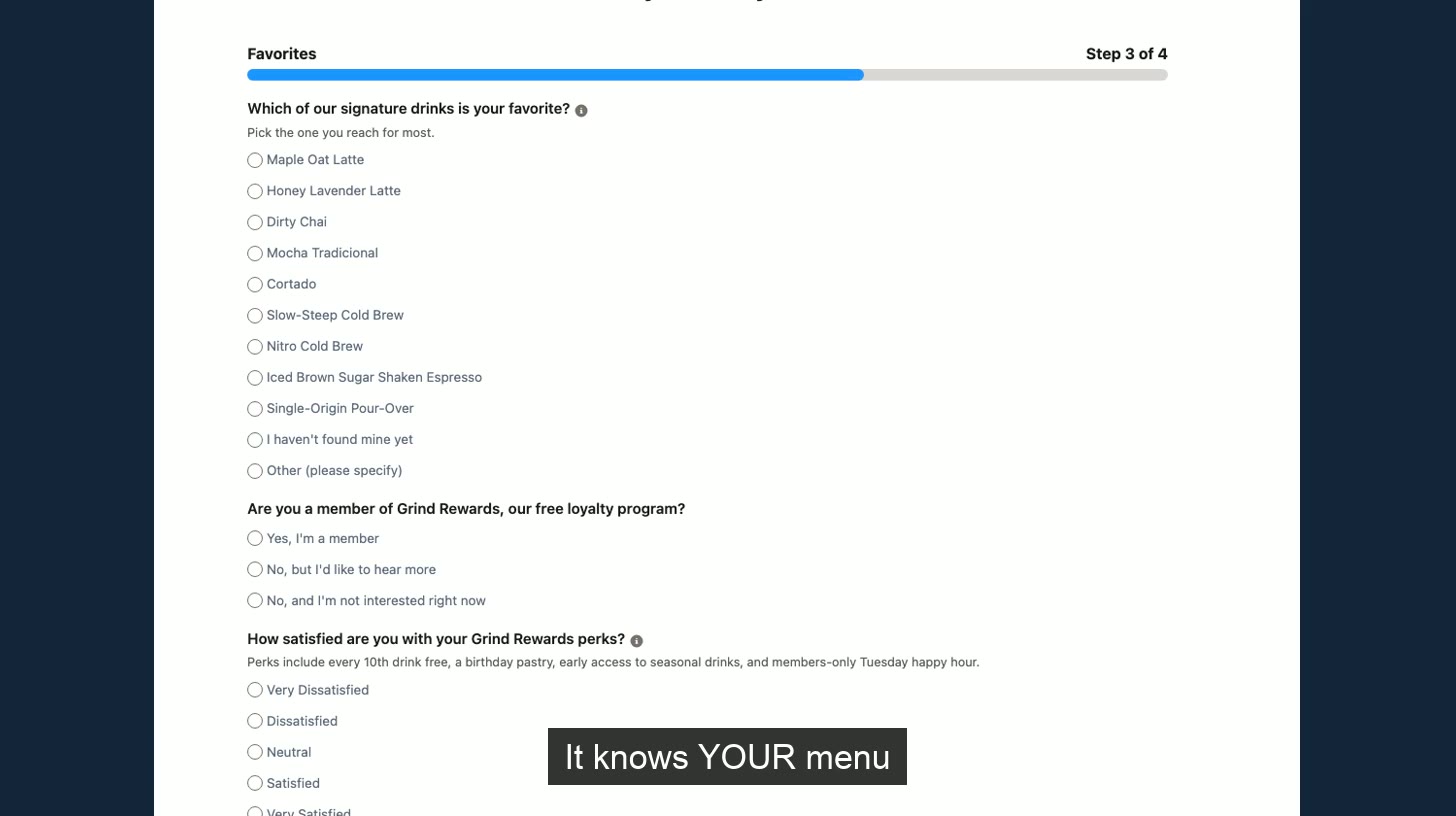
Default mode. A polished, respondent-facing UI with enhanced components, controlled width, and custom styling. Perfect for customer satisfaction, net promoter, and public intakes.

  • Enhanced LWC wrappers
  • Optimized for mobile & desktop
  • Brand-ready aesthetics

Flow‑Builder Friendly

Native mode. Generates clean, standard Flow components with minimal custom styling. Designed for admins who want to open the Flow in Builder and extend it immediately.

  • Standard Flow components
  • Easy to edit logic visually
  • Zero custom code dependencies
Admin Superpowers

Built for the Salesforce Admin

Stop manually wiring hundreds of screen fields. AutoSurvey handles the tedious metadata generation so you can focus on logic and strategy.

  • Extensible in Flow Builder

    It's not a black box. Open the generated Flow and add Decisions, Actions, or specialized screens.

  • Native Data Model

    Responses save to standard or custom objects. No proprietary external databases to sync.

  • Validations & Logic

    Define required fields and regex patterns in your prompt or spec. They deploy as Flow logic and validation.

V3 — Flow‑Builder Friendly Mode + Flow Builder (3 min)
VIDEO PLACEHOLDER

Scale Complex Survey Programs

Managing one survey is easy. Managing 50 variants for different audiences and timepoints is where AutoSurvey shines.

The Audience × Wave Matrix

Define your questions once. Then map them to specific audiences (e.g., Members, Supervisors) and waves (e.g., Round 1, Round 2).

AutoSurvey generates a unique, targeted Flow for each combination automatically. No version control chaos.

Automated Versioning included
V4 — Audience × Wave + Question Matrix (2 min) [optional]
VIDEO PLACEHOLDER
V5 — Dual-write Data Model + Reporting (4 min)
VIDEO PLACEHOLDER

Reporting, Solved

Most survey tools trap data in JSON blobs or external silos. AutoSurvey saves responses as real Salesforce records — and mirrors them into two reporting-friendly views automatically. Report-ready data (dashboard fields + detailed answers). No decision up front.

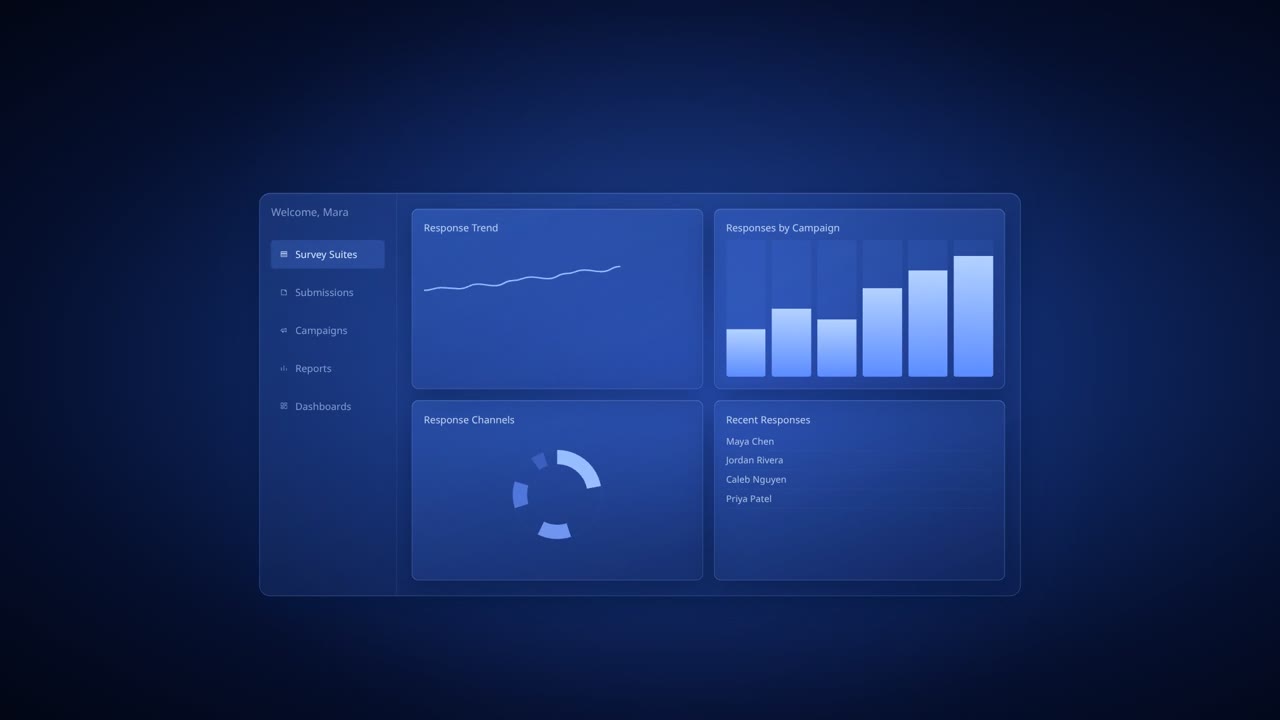
A Dashboard Fields View

Best for dashboards and operational reporting. Each submission has fields like Audience, Wave/Round, Started, Completed, and Status — so Salesforce reports work out of the box. Example: completion rate by audience = group by Audience, then chart % Completed using Status/Completed fields.

B Detailed Answers View

Best for analysis over time and across changing question sets. Each answer is stored as a child record with the question key + value, so you can analyze patterns without constantly changing your object schema. Example: completion analysis by audience (deeper) = still report completion by Audience, then identify drop‑off points (which page/question people reached) and questions correlated with abandonment.

You get both. Every submission writes to both views automatically.

Trusted Architecture

Response data stays in Salesforce objects. AutoSurvey runs as a native application in your org. AI generation uses an API call; you control what’s sent for generation (e.g., prompts/specs). Runtime execution, permissions, and storage remain on-platform in Salesforce.

Native Security Respects all Salesforce Profiles, Permission Sets, and Sharing Rules.
Zero Data Egress Respondent data is saved directly to your objects.
Admin Controlled You control who can generate flows and who can view results.

Simple Pricing

No response limits. No "per-admin" seat taxes.

Starter

$499/org/year
  • Unlimited Surveys
  • Dual-write reporting (Flat+QA)
  • Standard Support
Contact Sales
POPULAR

Professional

$1,200/org/year
  • Everything in Starter
  • Advanced Matrix (Audience x Wave)
  • Priority Support
Get Started

Enterprise

Custom
  • Unlimited Orgs
  • Custom Components
  • Dedicated Architect
  • SLA & Security Review
Contact Sales

Frequently Asked Questions

Does AutoSurvey run as a real Salesforce Flow?
Yes. AutoSurvey generates native Screen Flow metadata. You can view, run, and even edit the generated Flows directly in Salesforce Setup > Flows.
Can admins edit the generated Flow?
Absolutely. Especially with "Flow-Builder Friendly" mode, the output is standard elements. You can add decisions, actions, and custom screens just like any other Flow.
Do I have to use Google Sheets?
No. The spreadsheet is optional. It's great for bulk editing 50+ questions, but you can rely entirely on the AI prompt-to-build workflow if you prefer.
Where does response data live?
Directly in your Salesforce objects. We don't store your data on any external servers.
How do you handle changes to a survey over time?
AutoSurvey handles versioning automatically. Each deploy creates a new Flow version. The Audience x Wave matrix allows you to run different versions for different groups simultaneously.
Can I target different audiences with different versions?
Yes. The "Matrix" feature lets you map specific questions to specific audiences (e.g. Member vs Supervisor) and generate targeted Flows for each.
Does it work in Experience Cloud?
Yes, simply drag the Flow component onto any Experience Cloud page. It inherits your site's theme automatically.
What about security review and data privacy?
Since AutoSurvey runs on-platform, it respects all Salesforce security controls (Shield, Sharing Rules, Field Level Security). We are a Salesforce ISV partner.

Ready to build better surveys?

Stop wrestling with Flow screens manually. Start deploying in minutes.

Book a demo